UX to Engineering Handoff: How B2B Teams Stop Losing Design Fidelity in Development
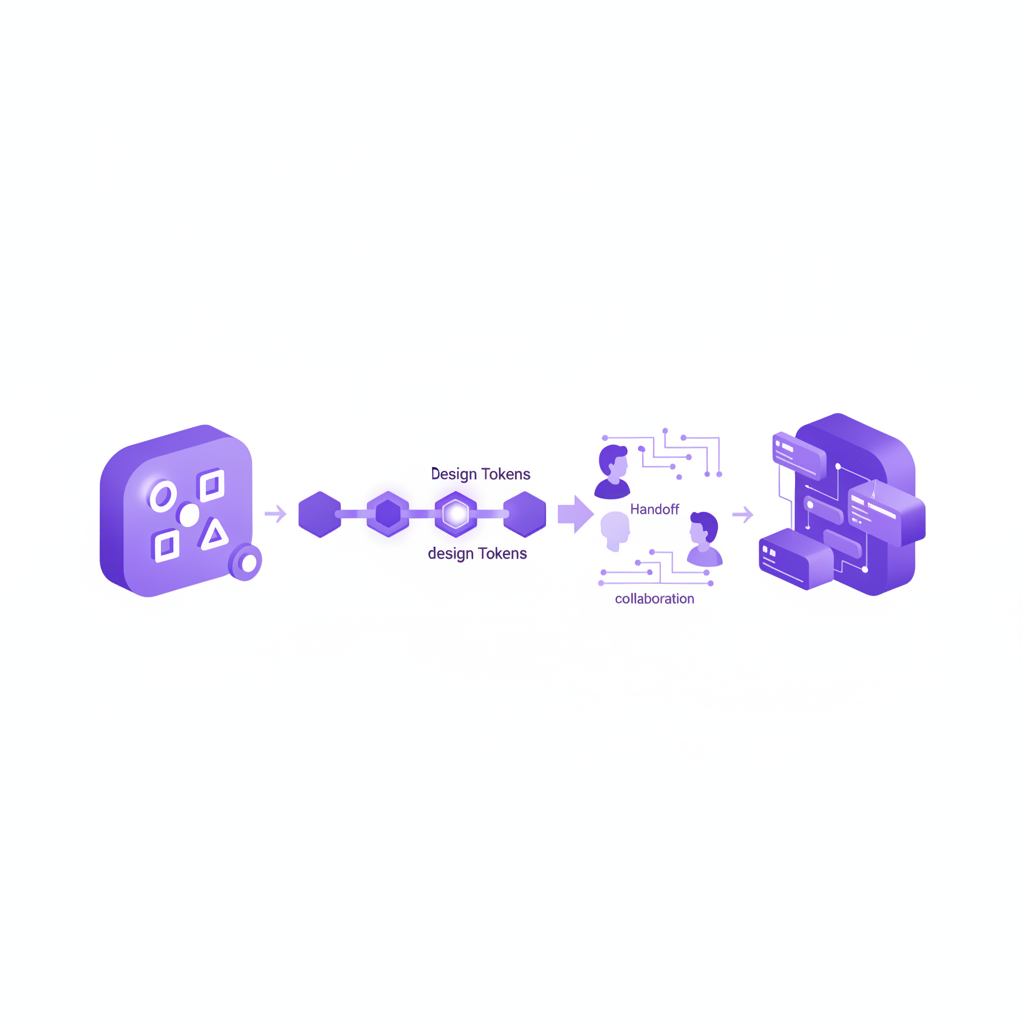
The Handoff Gap Nobody Budgets For
A B2B product team can commission excellent research, run a rigorous UX strategy process, and sign off on pixel-perfect Figma files — and still ship a product that feels noticeably worse than what was designed. The reason is rarely the design itself. It is what happens in the handoff: the gap between "design approved" and "code shipped," where spacing drifts, interaction states get simplified, and edge cases get skipped under sprint pressure. As a London UX agency that runs both design and frontend build for B2B clients, we see this gap cost teams real conversion and retention the moment it is treated as an afterthought.
Where Design Fidelity Actually Breaks Down
1. Missing interaction states
Static Figma frames typically show default, hover, and maybe an error state. Real products need loading, empty, partial-data, permission-denied, and disabled states too. When these are not specified, engineers make reasonable but inconsistent guesses — and the result reads as "slightly off" to users even when they cannot say why.
2. No shared design tokens
If colour, spacing, and typography values live only inside a Figma file rather than as a coded token system, every implementation is a manual re-interpretation. Small rounding differences compound across a product until the UI feels subtly inconsistent screen to screen.
3. Compressed QA windows
Design QA is frequently the first casualty of a slipping sprint. Without a dedicated design-review pass before release, teams ship functionally correct but visually degraded interfaces — the classic "it works, but it doesn't look like what we approved" complaint from stakeholders.
A Handoff Process That Actually Holds Up
- Annotate every state, not just the happy path. Loading, empty, error and permission variants should be specified before development starts, not discovered mid-sprint.
- Ship a design token library, not a screenshot. Colour, spacing and type scales should exist as code-ready tokens engineers can import directly — this is the core of what our Figma to code service delivers for clients who want production fidelity without a manual re-build.
- Build in a design QA gate before every release. A 30-minute design review against the approved Figma file, run before a feature ships, catches fidelity drift while it is still cheap to fix.
- Keep one team accountable for both design and build. The single biggest fidelity killer is a handover between two disconnected vendors. Our frontend development team works from the same design system our UX team ships, which removes the translation loss entirely.
When to Bring In Dedicated Frontend Support
If your in-house engineering team is strong on business logic but stretched on UI polish, a specialist frontend partner closes the gap without you having to hire and train an internal design-systems engineer. This is especially valuable for B2B SaaS teams shipping frequently, where every release is a fresh opportunity for fidelity to drift. Compare the trade-offs in our guide on Figma-to-code AI tools vs. professional development if you are deciding between automated conversion and a senior build team.
Frequently Asked Questions
How much design fidelity do B2B teams typically lose without a formal handoff process?
In our audits of client products built without a structured handoff, we typically find 20-30% of specified interaction states either missing or simplified by the time of release — usually loading, empty and error states.
Does a UX agency need to also do the frontend build to prevent fidelity loss?
Not always, but it removes the single largest source of drift: the handover between two separate teams. Where a client's in-house engineers own the build, we compensate with detailed state annotations, a shared token library, and a design QA gate before every release.
What is the fastest way to check if our product has already drifted from its design?
Run a side-by-side comparison of five key screens against their approved Figma files, checking spacing, states and micro-interactions. This is a standard component of our UX audit engagements.
Worried your product has already drifted from its intended design? Book a free 45-minute consultation and we will review a handful of key screens against your original designs and tell you exactly where the gaps are.
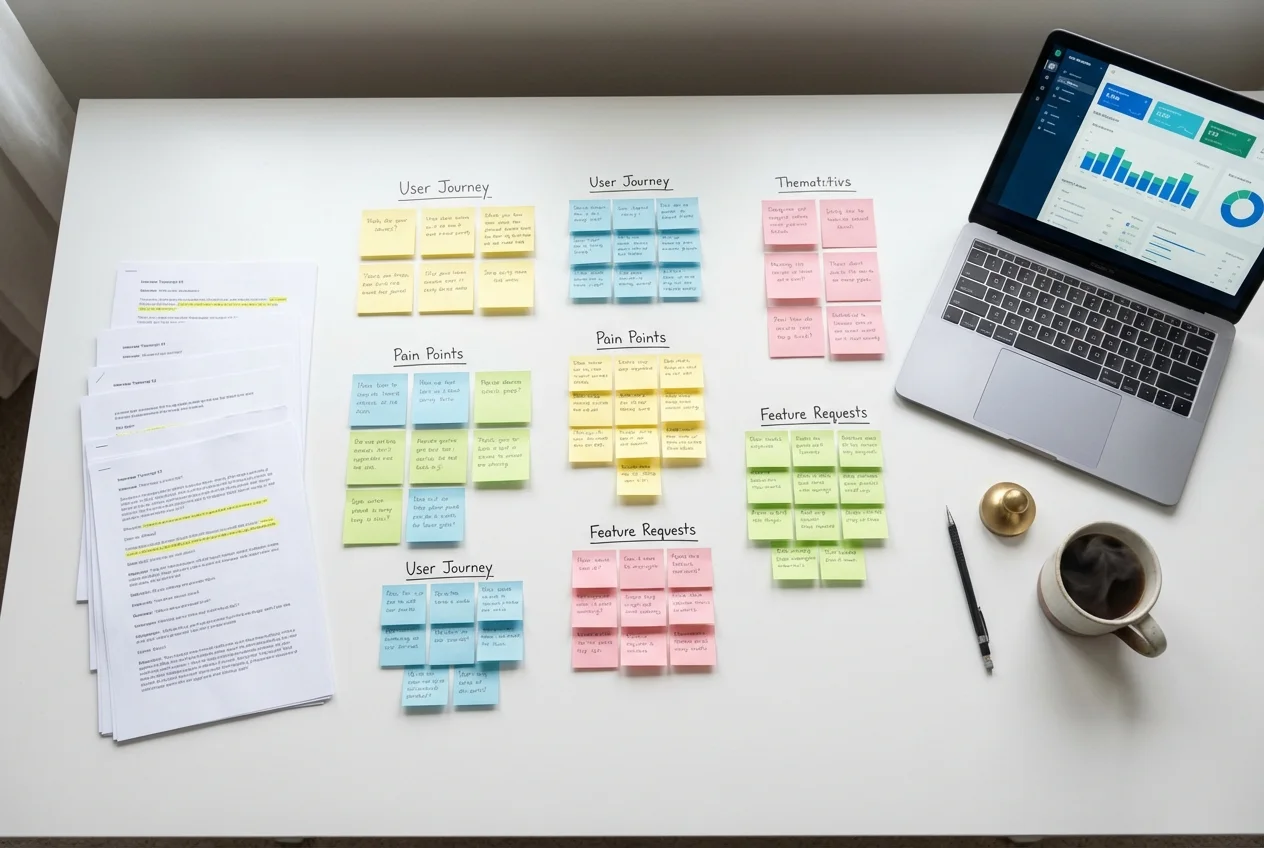 UX Research
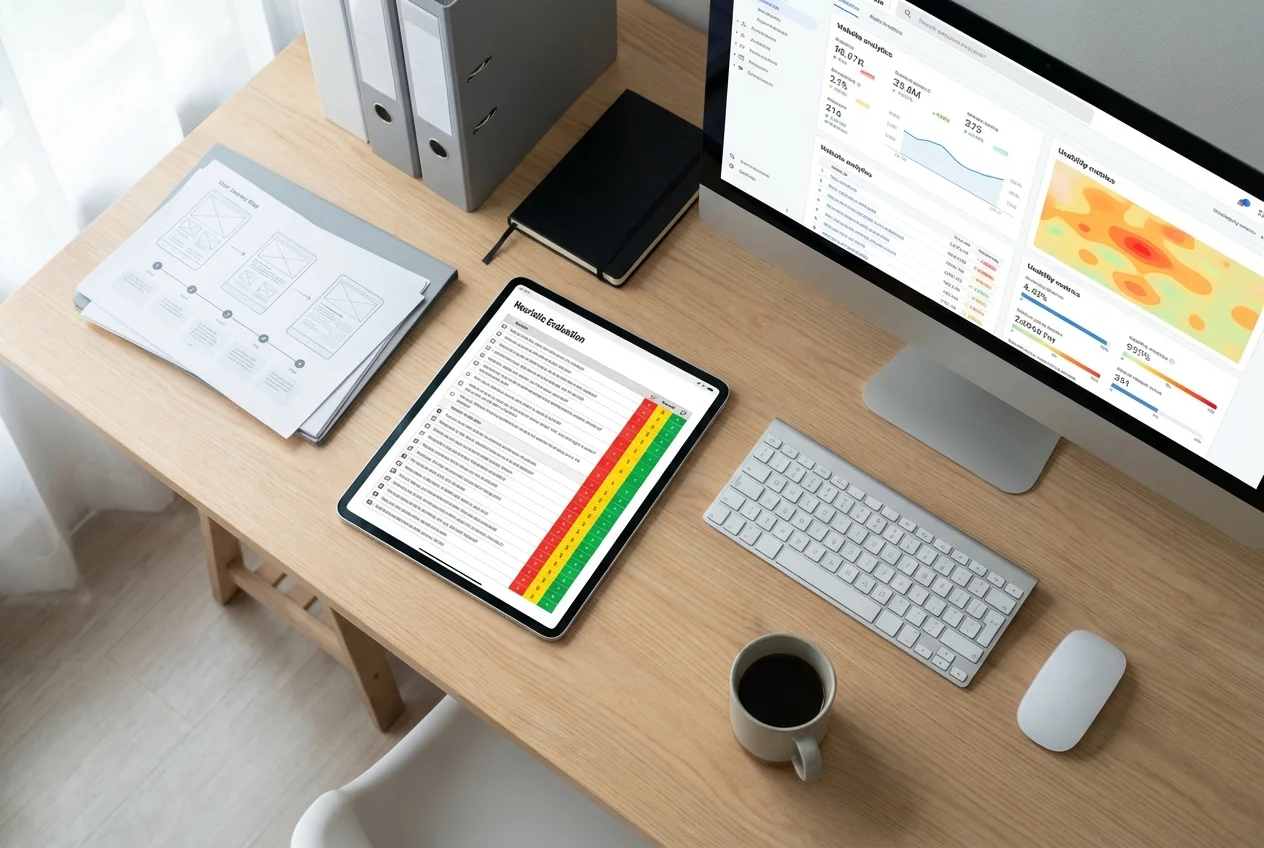 UX Audit
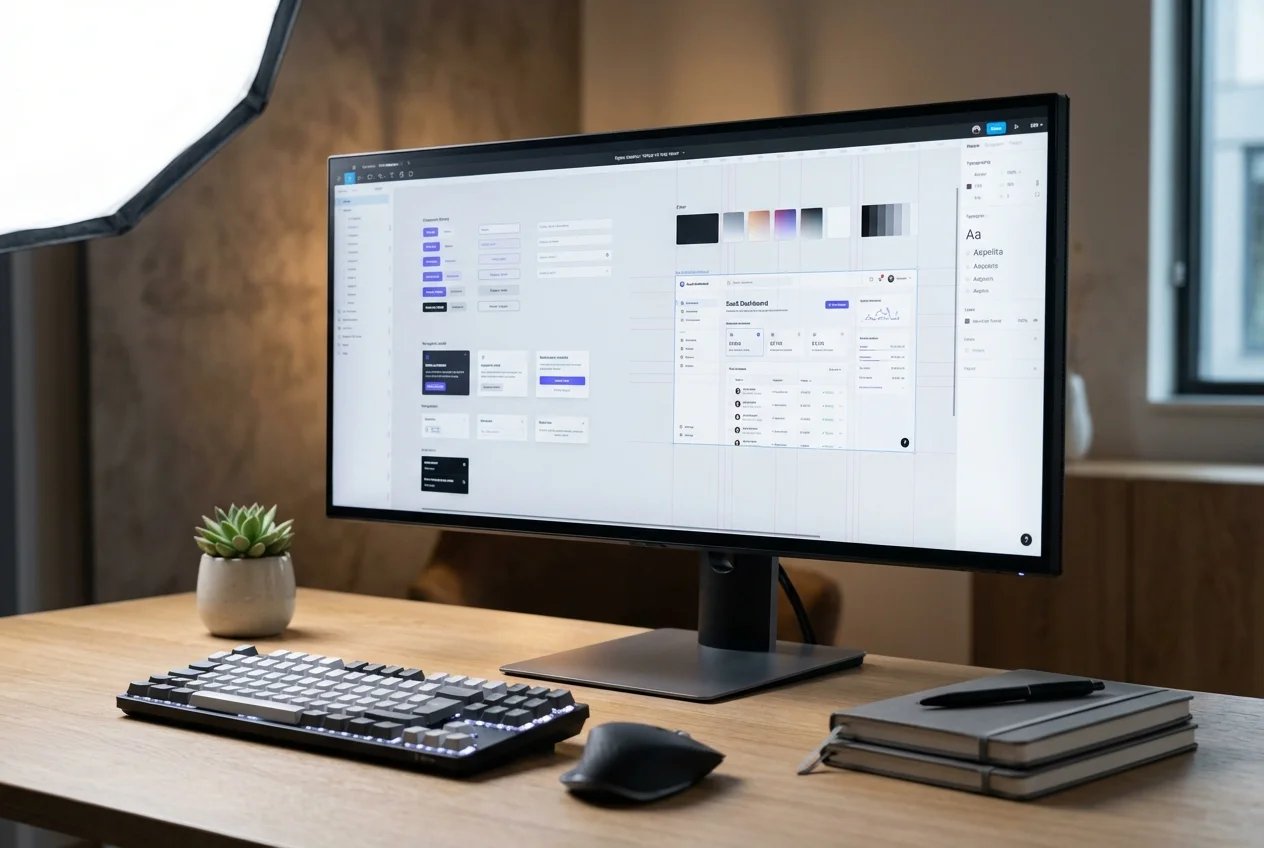 UI Design