Figma to Code: Why AI Tools Still Can't Replace Professional Development
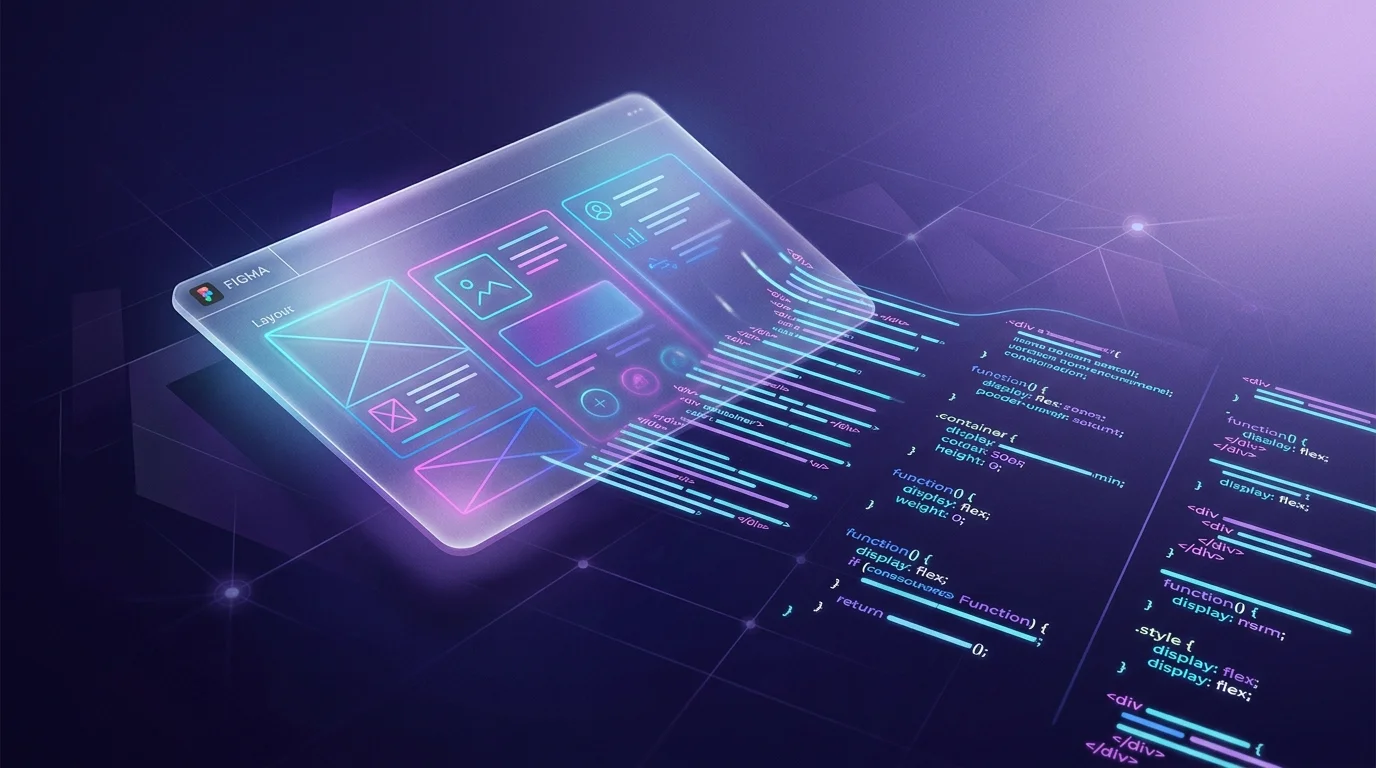
The Promise of Automated Figma-to-Code Tools
If you've spent any time researching how to convert your Figma designs into production code, you've encountered tools like Anima, Locofy, Builder.io Visual Copilot, and DhiWise. Their pitch is compelling: drop in your Figma file, press a button, and get clean React or HTML code ready for production. Some claim 80% production-readiness. Others promise "design-grade code" powered by AI.
We've tested every major tool on the market — extensively, on real client projects, not toy examples. Here's what we've found: they're genuinely impressive for simple layouts, and genuinely inadequate for anything beyond that.
Where Automated Tools Work
Credit where it's due. If you have a simple marketing page with standard layouts — a hero section, a feature grid, a pricing table, a footer — these tools can produce a reasonable starting point. For prototyping or internal tools where pixel-perfection isn't critical, they can save time.
Anima handles basic component mapping well. Locofy's support for Next.js and Tailwind has improved significantly. Builder.io's Visual Copilot can map to existing component libraries, which is a smart approach. For the right use case, they're worth considering.
Where They Fall Apart
But here's the reality for most production applications:
1. Complex Responsive Behaviour
Automated tools generate responsive code based on generic breakpoint rules. They don't understand the intent behind your responsive design decisions. When your Figma design specifies that a three-column layout should reflow to a single column with a completely different visual hierarchy on mobile — with elements reordering, spacing changing non-linearly, and certain elements hiding or transforming — automated tools produce CSS that technically responds to screen size but doesn't match your design.
2. Animations and Micro-interactions
This is where the gap becomes a chasm. If your design includes scroll-triggered animations, complex page transitions, orchestrated multi-element animations, parallax effects, or interactive data visualisations, no automated tool will handle them. Framer Motion choreography, GSAP timelines, Lottie integration, and D3.js-driven charts require human engineering. These tools simply skip or flatten animation entirely.
3. Design System Integrity
A well-structured Figma design system has tokens, variants, component states, nested instances, and slot patterns that encode design logic. Automated tools typically flatten this structure — producing individual components that look right visually but lose the systemic relationships between them. The result is code that can't be maintained as a design system because it was never built as one.
4. Accessibility
Automated tools produce visually correct code that is frequently semantically incorrect. Heading hierarchies, ARIA labels, focus management, keyboard navigation, screen reader announcements — these require human understanding of the user experience, not just the visual layout. WCAG 2.1 AA compliance is not something you can automate from a visual design file.
5. Code Quality and Maintainability
The code generated by these tools is often verbose, poorly structured, and difficult to maintain. Class names are auto-generated rather than semantic. Component boundaries don't align with your application's architecture. State management is absent. The code works as a snapshot but creates technical debt from day one.
The 80% Problem
Some tools claim 80% production-readiness. Even if that number is accurate (and in our testing, it's generous), consider what the remaining 20% actually contains: it's the hardest 20%. The responsive edge cases. The animations. The accessibility. The design system logic. The interactive states. Fixing that 20% in auto-generated code often takes longer than building the whole thing properly from scratch — because you're working against the tool's assumptions rather than with your own architecture.
When to Use Professional Development
If your product has any of the following requirements, professional Figma-to-code development will produce significantly better results:
- Complex responsive layouts with intentional breakpoint behaviour
- Animations beyond simple transitions — scroll-driven effects, orchestrated sequences, interactive charts
- A design system that needs to be implemented as a maintainable component library
- Accessibility requirements (WCAG 2.1 AA or higher)
- Integration with an existing codebase, state management, or API layer
- Performance requirements — Core Web Vitals targets, 60fps animation
- Components your engineering team needs to extend and maintain long-term
The Bottom Line
Automated Figma-to-code tools are useful for rapid prototyping and simple layouts. For production applications where design quality, accessibility, performance, and maintainability matter, they create more problems than they solve. The investment in professional development pays for itself in reduced technical debt, faster iteration cycles, and a codebase your team can actually work with.
If you have Figma designs that need to become production-quality code, book a free consultation and we'll give you an honest assessment of the best approach for your specific project.
 UI Design
 Frontend Development
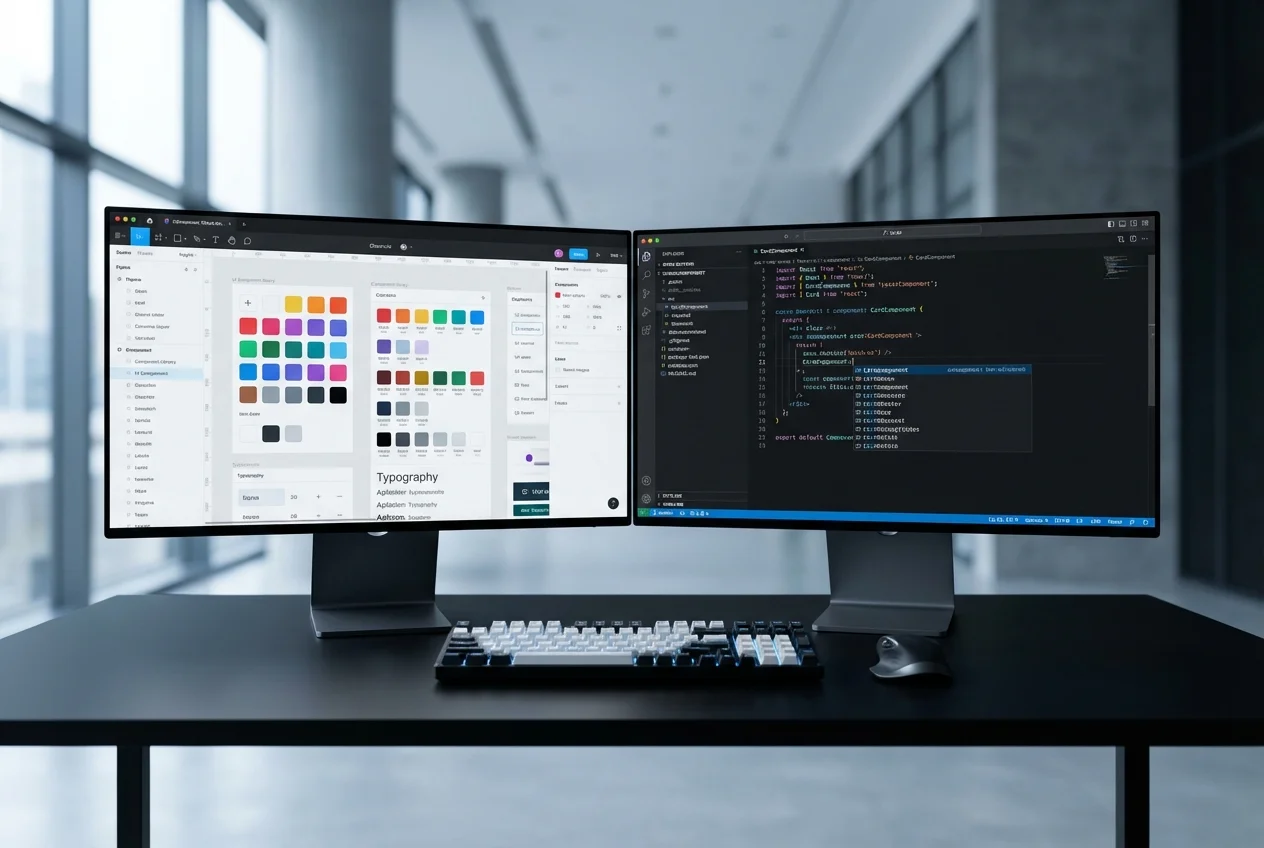 Figma to Code