How to Run a UX Design Sprint in 5 Days: A London Agency's Playbook
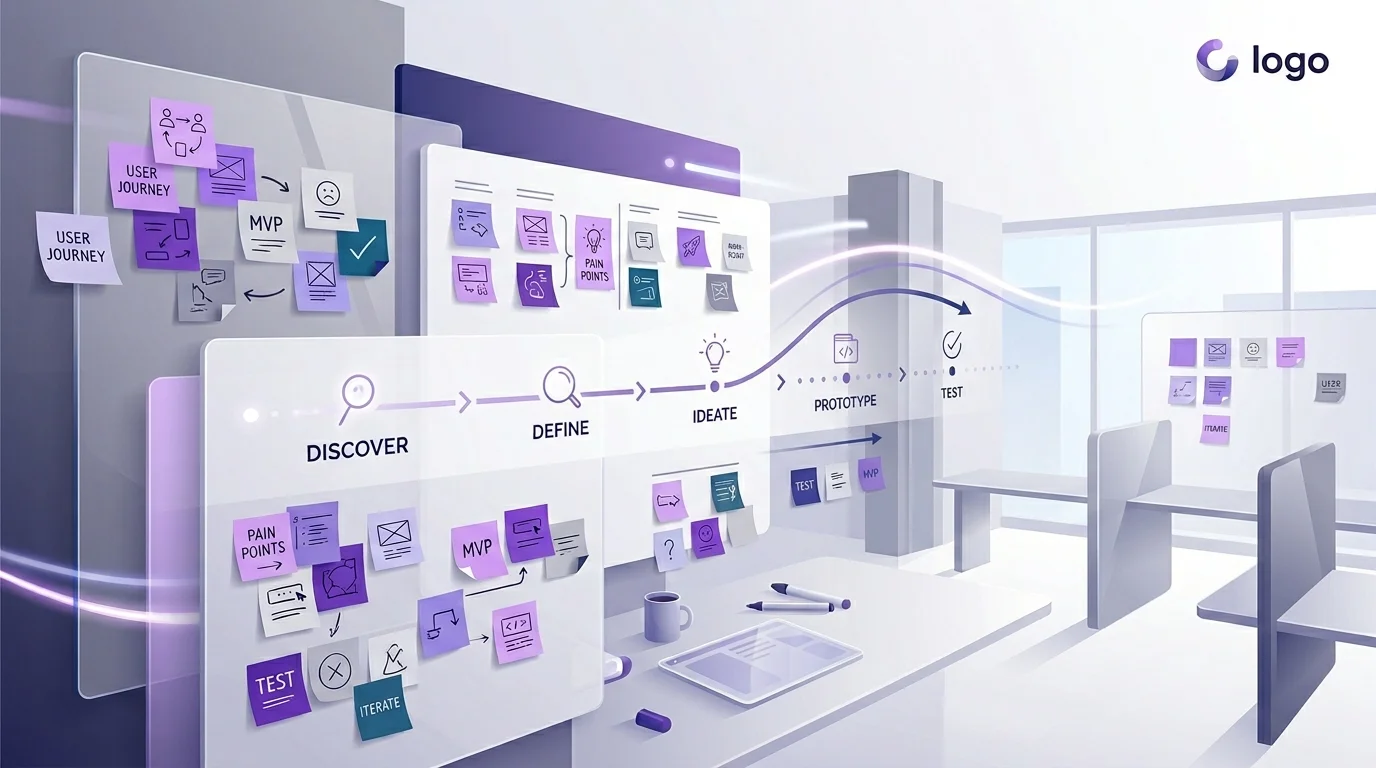
Why Design Sprints Exist — and Why They Work
Most product teams spend months in a cycle of discussions, revisions, and internal politics before anything gets in front of real users. Design sprints exist to break that cycle. Developed originally at Google Ventures and refined by agencies and product teams worldwide, the design sprint compresses months of deliberation into five focused days that end with a tested prototype and clear evidence about whether your idea works.
As a UX agency in London, we have run hundreds of design sprints for startups launching their first product, scale-ups redesigning a core feature, and enterprises exploring new market opportunities. The format works across all of them — not because it is magic, but because it imposes structure on a process that otherwise tends to drift.
Here is our exact playbook, day by day, with the specific deliverables and tools we use at each stage.
Before the Sprint: Preparation That Makes or Breaks It
A design sprint fails or succeeds before it starts. The preparation phase — typically one to two weeks before day one — determines whether your five days produce a breakthrough or a frustrating exercise in talking past each other.
Assemble the Right Team
You need five to seven people in the room. Fewer than five and you lack sufficient perspectives. More than seven and decision-making slows to a crawl. The ideal composition includes a decision-maker with authority to approve direction, a product manager or owner who understands the market, one or two designers, one or two engineers who can assess feasibility, and someone close to customers — a support lead, sales rep, or account manager who hears real user complaints daily.
Define the Sprint Challenge
Write a single sentence that frames what you are trying to solve. Not "redesign the dashboard" — that is a solution masquerading as a problem. Instead: "New users abandon the product within 48 hours because they cannot find the three features that deliver core value." A well-framed challenge gives the sprint focus and prevents scope from expanding on day one.
Gather Existing Research
Collect analytics data, previous user research, support ticket themes, competitor screenshots, and any relevant market data. Print key findings on A3 sheets and pin them around the sprint room. The team should be able to glance at real data throughout the week rather than relying on assumptions and memory.
Day 1 (Monday): Map and Understand
The goal of day one is to build a shared understanding of the problem across every person in the room. By the end of the day, you should have a clear map of the user journey and a specific target area to focus on for the rest of the week.
Deliverables
- Long-term goal: Where do you want to be in six months? Write it on the whiteboard and leave it visible all week.
- Sprint questions: What are the biggest risks and unknowns? These become the hypotheses you test on Friday.
- User journey map: A simplified end-to-end map of how users move through the experience, from first awareness to achieving their goal. Keep it to six to ten steps maximum.
- Target selection: Pick one specific moment in the journey to focus on. You cannot solve everything in five days — pick the moment where improvement will have the highest impact.
We facilitate this day with structured exercises — "How Might We" notes, expert interviews with internal stakeholders, and dot voting to prioritise. The key is preventing open-ended discussion. Every exercise has a time limit and a tangible output.
Day 2 (Tuesday): Sketch Solutions
Day two is about generating solutions individually before the group converges. This is deliberately anti-brainstorming — research shows that individuals working alone produce more and better ideas than groups brainstorming together.
Deliverables
- Lightning demos: Each team member presents two to three examples of existing products (competitors or otherwise) that solve a related problem well. This builds a shared reference library and prevents the team from reinventing patterns that already exist.
- Detailed sketches: Every participant creates a detailed, three-panel storyboard of their proposed solution. These are hand-drawn — no Figma, no polish. The constraint forces focus on the concept rather than visual refinement.
Non-designers often resist sketching. We reassure them that drawing skill is irrelevant — sticky notes, boxes, and arrows convey concepts perfectly well. Some of the best sprint solutions we have seen came from engineers and product managers, not designers.
Day 3 (Wednesday): Decide
Day three is the hardest day because it requires making decisions and killing ideas. The morning is spent reviewing all sketches from day two using a structured critique method — silent review, dot voting, and speed critique — that prevents the loudest voice from dominating.
Deliverables
- Winning solution: One concept (or a combination of elements from multiple concepts) selected by the decision-maker after hearing the team's input.
- Storyboard: A detailed, step-by-step storyboard of the prototype — typically ten to fifteen panels showing every screen and interaction the test user will encounter on Friday. This is the blueprint the designers will build from on Thursday.
The decision-maker's role is critical on this day. Without someone empowered to make the final call, the team defaults to compromise — and compromised solutions test poorly because they lack a clear point of view.
Day 4 (Thursday): Prototype
Thursday is build day. The designers on the team create a realistic prototype in Figma — not a wireframe, not a sketch, but something that looks and feels real enough that test participants on Friday will react to it honestly.
Deliverables
- Interactive Figma prototype: A clickable prototype covering the core user flow identified in the storyboard. It uses real copy (not lorem ipsum), realistic data, and enough visual polish to be believable. We typically produce fifteen to twenty-five screens.
- Interview script: A structured guide for Friday's user testing sessions, including warm-up questions, task prompts, and follow-up probes. The script ensures consistent testing across all five participants.
The prototype does not need to cover every edge case. It needs to cover the critical path convincingly enough that users engage with it naturally. We use Figma's prototyping features for interactions, and where needed, record short Loom videos to simulate animations or transitions that Figma cannot replicate.
Day 5 (Friday): Test and Learn
The final day is where everything pays off. Five users — recruited during the preparation phase — test the prototype in one-hour moderated sessions while the rest of the team watches via a live stream in another room.
Deliverables
- Five user testing sessions: Each session follows the interview script. The facilitator guides the participant through the prototype, asking them to think aloud as they complete key tasks.
- Observation notes: The watching team captures observations on sticky notes, organised by participant and colour-coded as positive (green), negative (red), or neutral (yellow).
- Pattern analysis: After all five sessions, the team clusters observations to identify patterns. If three or more participants hit the same problem, it is a real problem. If one participant struggled but four succeeded, it may be an outlier.
- Sprint summary: A one-page document capturing the sprint challenge, the solution tested, key findings, and recommended next steps — whether that is building the solution, iterating on it, or pivoting entirely.
When NOT to Run a Design Sprint
Design sprints are powerful but they are not universally appropriate. Do not run a sprint when:
- The problem is not defined: If you cannot articulate the challenge in one sentence, you need a discovery phase, not a sprint.
- The decision-maker will not commit: If no one with authority is available for all five days, the sprint will produce recommendations that nobody acts on.
- The scope is too small: A button colour or a minor copy change does not justify a five-day sprint. Use A/B testing instead.
- You already know the answer: If research has already validated the solution and the team is aligned, skip the sprint and start building.
Why Sprints Save Money
A five-day sprint with a UX agency in London typically costs between £15,000 and £30,000 depending on team composition and preparation requirements. That sounds significant until you compare it to the alternative: three months of design exploration, multiple rounds of stakeholder review, a build phase based on untested assumptions, and a launch that underperforms because the core concept was never validated with real users.
The sprint compresses the risk. You invest one week and know — with evidence from real users — whether your direction is right. If it is, you build with confidence. If it is not, you have saved months and tens of thousands of pounds that would have been spent building the wrong thing.
If you are considering a design sprint for your product, book a free consultation with our team. We will assess whether a sprint is the right format for your challenge and walk you through exactly what the week would look like for your specific situation.
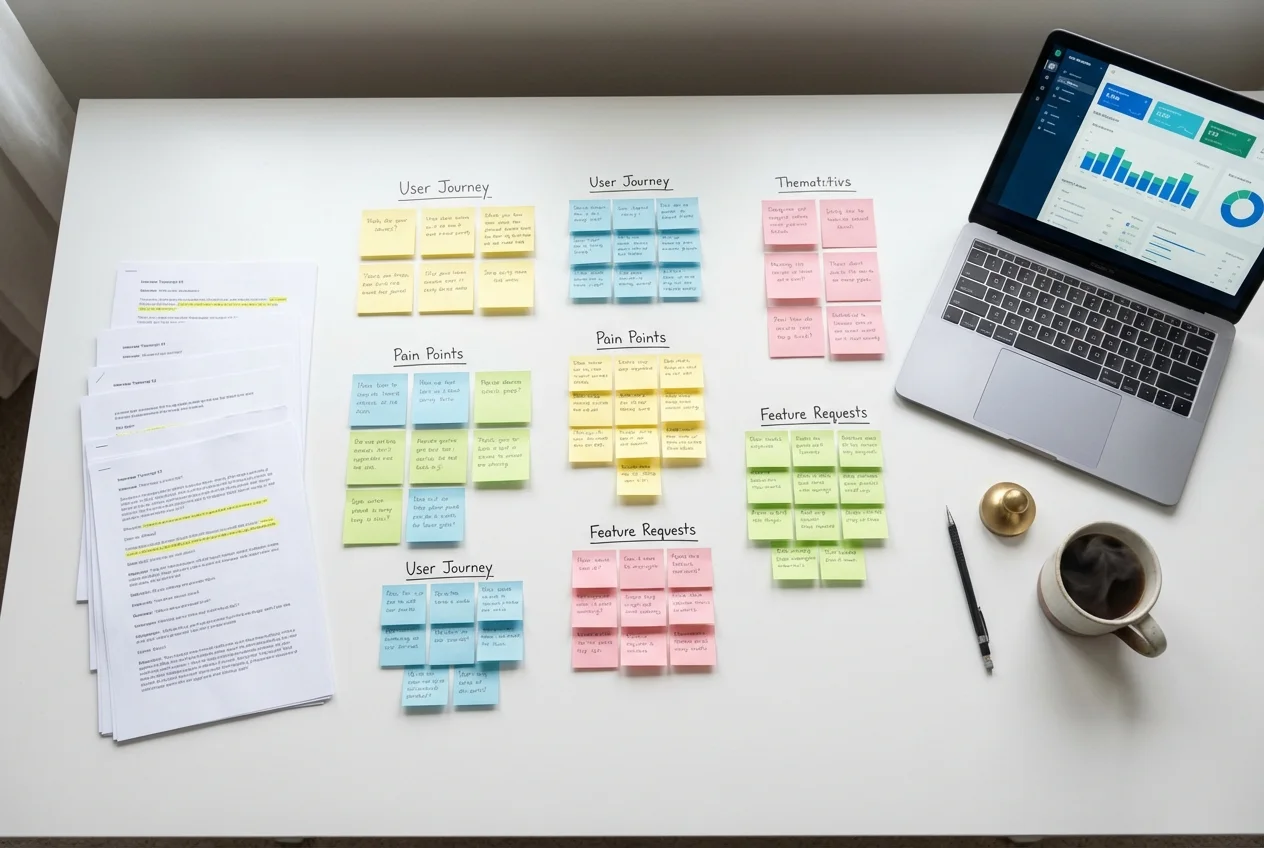 UX Research
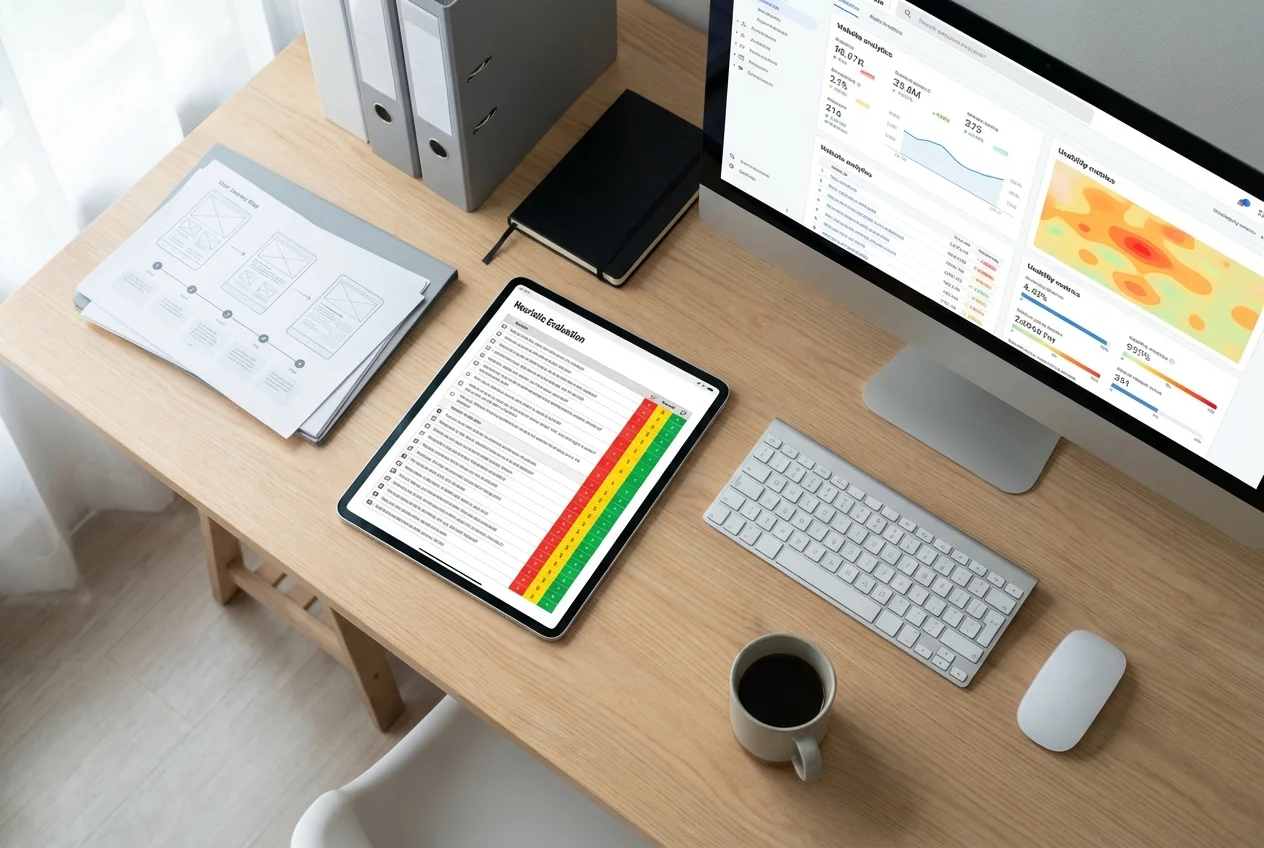 UX Audit
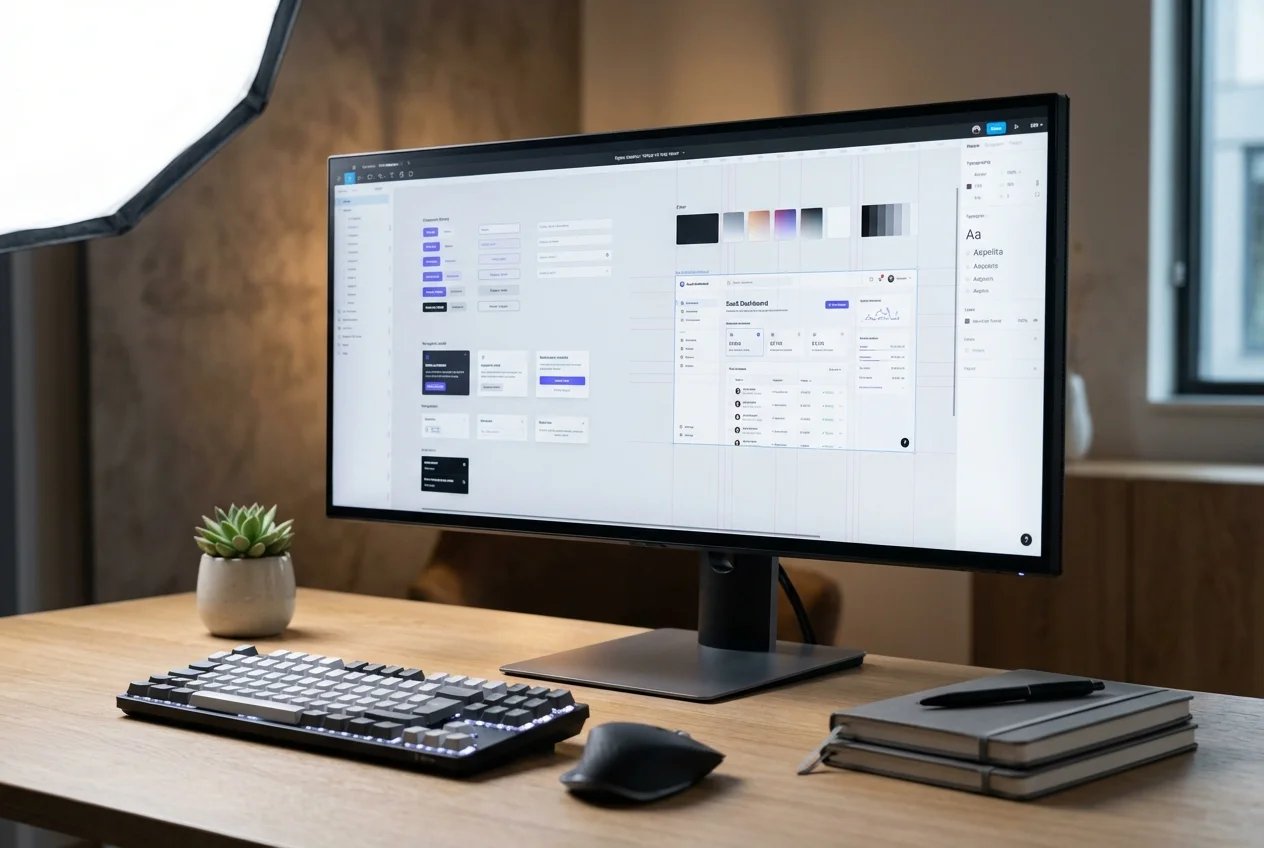 UI Design