UX Audit Checklist: 10 Signs Your Website Is Losing Conversions
Why Your Website Might Be Working Against You
Most business owners look at their website and see something that functions. The pages load, the buttons work, the contact form submits. What they don't see — because it's invisible without the right lens — is the friction. The moment a visitor gets confused by the navigation and leaves. The form field that feels too intrusive. The call-to-action that nobody notices because it's below the fold on mobile.
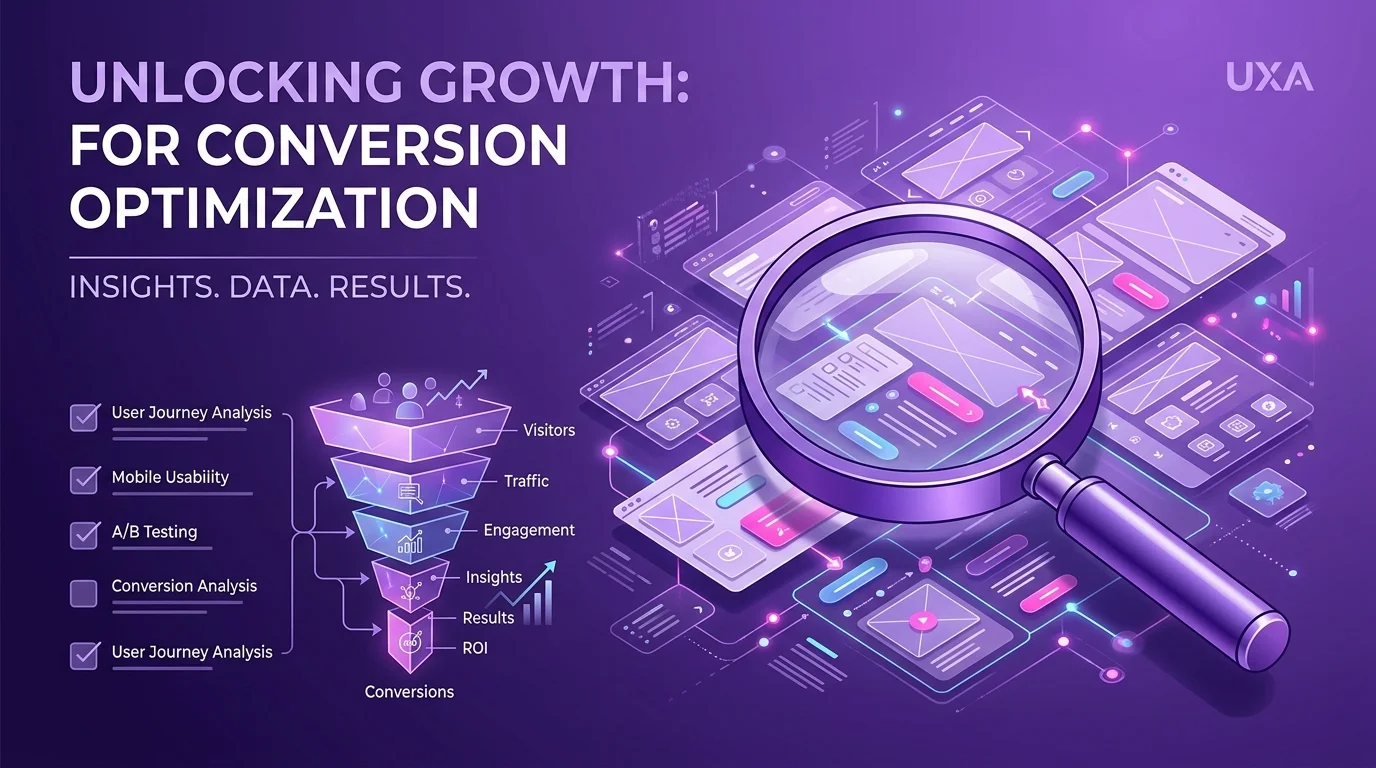
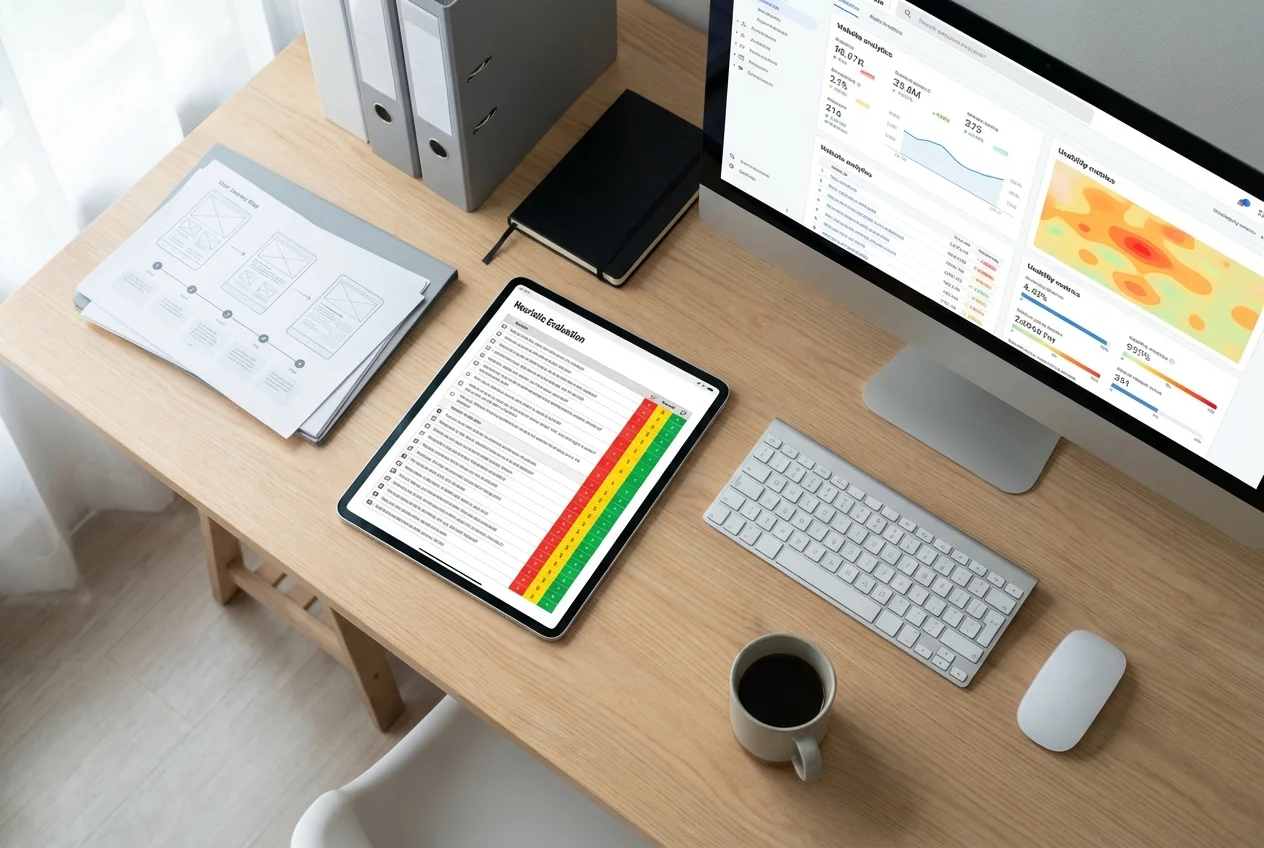
A UX audit is the process of systematically looking for that friction. We've done hundreds of them, and while every product is different, the same problems show up again and again. Here are the ten signs we find most often that a website is quietly losing conversions.
1. Your Main Value Proposition Isn't Clear in Five Seconds
This is the single most common problem we find in audits, and it's devastating for conversions. When a visitor lands on your homepage, they give you roughly five seconds to answer the question: "What is this, and is it for me?" If your headline is vague ("Welcome to Acme Solutions"), product-focused instead of benefit-focused ("We make software for teams"), or buried beneath a hero image they have to scroll past, you're losing people before they've had a chance to become customers.
What to check: Read your homepage headline out loud. Could it describe five different businesses? If yes, it's not specific enough. Ask someone who's never seen your site what they think it does after five seconds. Their answer tells you more than months of internal debate.
2. Navigation Is Organised Around Your Business, Not Your Users
Internal navigation structures often reflect how companies think about themselves rather than how users think about their problems. "About Us → Our Story → Our Mission → Meet the Team" is organised for a company that wants to tell its own story. A user who's wondering if you can solve their problem doesn't care about that yet — they want to know "can these people help me?" quickly.
Card sorting exercises — where users group content labels into categories that make sense to them — regularly reveal that users' mental models of a site's structure look nothing like the actual navigation. The result is users who can't find what they're looking for and leave.
What to check: Ask five people who match your target user profile to find key content on your site without guidance. Watch where they get stuck. Their confusion is your navigation problem.
3. The Mobile Experience Is an Afterthought
In 2025, over 60% of web traffic in most industries is mobile. Yet we still regularly encounter sites in audits where the mobile experience is clearly a desktop design that's been squeezed down — tiny tap targets, horizontal scrolling, text that's too small to read without zooming, and CTAs that fall off the bottom of the screen.
Worse still, analytics often show that mobile traffic converts at a fraction of the desktop rate, but because the desktop numbers look acceptable, nobody investigates the mobile problem until it's been haemorrhaging conversions for years.
What to check: Open your website on a real phone — not a browser emulator. Try to complete the primary user journey. Time yourself. Note every moment of friction. Then look at your analytics: what's the difference between your desktop and mobile conversion rates? If it's significant, you've found your problem.
4. Forms Ask for Too Much, Too Soon
Forms are conversion gates, and most of them demand too much too early. Asking for a phone number, company size, annual revenue, and LinkedIn profile URL before someone has even had a chance to see your pricing is a trust problem as much as a UX problem. Users read each additional form field as a commitment signal, and the commitment you're asking for has to be proportional to the value they're expecting in return.
Hubspot famously increased conversions by 120% by reducing their form from nine fields to four. The information you're collecting in those extra fields rarely justifies what you're losing in conversion rate.
What to check: Audit every form on your site. For each field, ask: is this information essential to delivering value, or are we collecting it because it's nice to have? Cut anything that's not essential. Use progressive profiling to collect more information over time as the relationship develops.
5. CTAs Are Generic, Vague, or Buried
"Submit." "Click here." "Learn more." These are not calls to action — they're placeholders that someone forgot to make meaningful. A good CTA tells the user exactly what happens next and frames it in terms of the value they receive, not the action they take. "Get your free audit" performs better than "Submit". "Start building for free" performs better than "Sign up".
Placement matters just as much as copy. A CTA that appears only at the bottom of a long page, or that's styled to blend in with the surrounding content, will be ignored. CTAs need to appear where users are ready to act — typically after they've read enough to make a decision — and they need to look like something worth clicking.
What to check: Review every CTA on your site. Does the copy tell users what they get, not just what they do? Is it visually prominent? Does it appear at points in the page where users have enough information to want to take the next step?
6. Page Load Speed Is Slow — Especially on Mobile
Google's data is unambiguous: 53% of mobile users abandon a site that takes more than three seconds to load. Every second of additional load time reduces conversions. Yet many sites — particularly older ones that have had content, scripts, and plugins added incrementally over years — load slowly enough to be actively losing business.
Common culprits include unoptimised images (a 4MB hero image where a 200KB optimised version would look identical), too many third-party scripts (chat widgets, analytics tools, ad pixels, A/B testing platforms — each one adds weight), and unminified CSS and JavaScript.
What to check: Run your site through Google PageSpeed Insights (it's free). A score below 70 on mobile is a problem. Below 50 is a significant problem. The tool gives you a prioritised list of what to fix — start with the items flagged as "opportunities" since these have the most impact.
7. Error States and Empty States Are Ignored
Most design effort goes into the happy path — what the interface looks like when everything works. But users encounter errors, empty search results, failed form submissions, and empty dashboards constantly. How your interface handles these moments is where trust is won or lost.
A generic "Something went wrong. Please try again." error message is a failure on two levels: it gives the user no information about what actually went wrong, and it offers no path forward. An empty search results page that just says "No results found" is a dead end. These moments, handled poorly, are where users decide they've had enough and leave.
What to check: Deliberately trigger every error state in your product. Submit forms with wrong input. Search for something you know won't return results. Try to access a page without the right permissions. Does the interface guide you back on track clearly and helpfully? Or does it leave you stranded?
8. Trust Signals Are Missing or Unconvincing
Online purchasing decisions are trust decisions. Users are asking themselves: "Is this company real? Are other people like me happy with what they received? Is my data safe? Can I get help if something goes wrong?" Your site needs to answer those questions clearly, or users will look for a competitor who does.
Trust signals include: real client testimonials (with names, companies, and photos — not anonymous quotes), case studies with specific outcomes, security badges if you handle payments, team photos, press coverage, industry certifications, and a clear returns or refund policy. Generic stock photos and anonymous "highly satisfied customer" testimonials actively undermine trust because they feel fake.
What to check: Look at your site from a first-time visitor's perspective and ask: what evidence would give me confidence that this company is legitimate and good at what they do? If the honest answer is "not much", that's your gap.
9. The Checkout or Conversion Flow Has Unnecessary Steps
Every additional step in a conversion flow is an opportunity for a user to change their mind and leave. Whether that's a purchase checkout, a sign-up flow, a quote request form, or a booking process — the rule is the same: fewer steps, higher completion rate.
We've audited e-commerce checkouts that require users to create an account before they can buy. We've seen SaaS sign-up flows that ask for credit card details before the user has even seen the product. We've reviewed B2B enquiry forms with fourteen fields that could be reduced to four. Each unnecessary step is a conversion that didn't happen.
What to check: Map every step in your primary conversion flow. For each step, ask: is this step essential, or are we asking for this because it's convenient for us? Consider guest checkout for e-commerce. Look at your drop-off rates at each step in the funnel — the biggest drop is usually the biggest opportunity.
10. There's No Clear Next Step for Users Who Aren't Ready to Buy Yet
Most visitors to most websites are not ready to buy on their first visit. They're exploring, comparing, or just becoming aware. A site that only presents a "Buy Now" or "Request a Quote" CTA is optimised for the small minority who are ready — and ignores everyone else.
Content, lead magnets, email newsletters, free trials, and educational resources are all mechanisms for capturing users who are interested but not yet ready to commit. Without them, you're leaving a significant portion of your audience with nowhere to go except away from your site.
What to check: What options does your site give to someone who finds your content interesting but isn't ready to become a customer today? If the answer is nothing, you're losing a lot of potential future business.
What to Do With This Checklist
Go through each of these ten points and score your site honestly: is this a problem, a partial problem, or handled well? The items where you score lowest are your priorities. Don't try to fix everything at once — changes to live sites need to be tested to make sure they actually improve things, and making too many changes simultaneously makes it impossible to know what worked.
If you want a professional UX audit — a systematic review that goes well beyond this checklist and gives you a prioritised, evidence-backed roadmap — we can help. Our audits start from £1,000 and typically identify conversion improvements that far outweigh the investment. Get in touch to find out more.
 UX Research
 UX Audit
 UX Strategy