The UX Design Process Explained: From Discovery to Launch
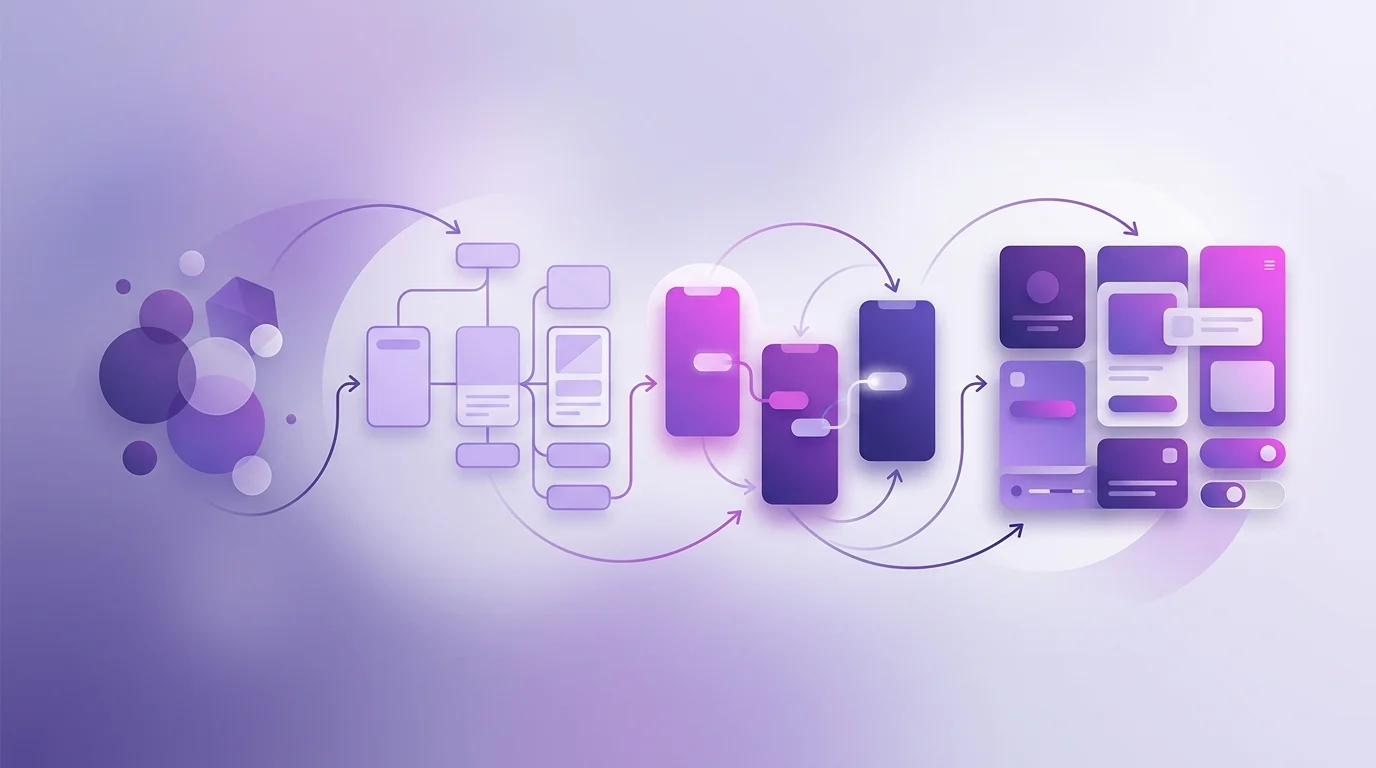
Demystifying the UX Design Process
One of the things we hear most often from new clients is some version of: "I understand you do UX, but I'm not entirely sure what that actually involves day to day." It's a fair question. The UX industry has done itself no favours by being vague about what the process involves, hiding behind jargon like "ideation sessions" and "design sprints" in ways that don't tell you much about what actually happens.
This article explains the UX design process clearly — the six phases we use, what happens in each, what we need from you, and what you get at the end. No mystery, no MBA-speak.
Phase 1: Discovery
Every project starts with discovery, and it's arguably the most important phase — even though nothing gets "designed" during it. Discovery is the process of getting genuinely smart about your business, your users, and the problem we're trying to solve before we start designing anything.
What happens
We start with a detailed discovery workshop — usually two to three hours — that covers your business goals, your current product and its history, your users and what we know about them, your constraints (technical, budget, timeline), and what success looks like. We review your existing analytics, any research you've already done, competitor products, and relevant industry context.
Discovery also involves stakeholder interviews if there are multiple people with input into the project. Sales, customer success, engineering — different teams have different perspectives on what users need and what the product should do. Surfacing those perspectives early prevents expensive misalignments later.
What you get
A discovery report that summarises what we've learned, defines the project scope, identifies the key questions we need to answer through research, and sets out the success metrics we'll design towards. This document becomes the north star for the rest of the project.
What we need from you
Time. Discovery workshops require the right people in the room — typically the founder or product owner, whoever manages the engineering relationship, and anyone with direct user contact. We also need access to your analytics, any previous research, and your existing design files if they exist.
Phase 2: Research
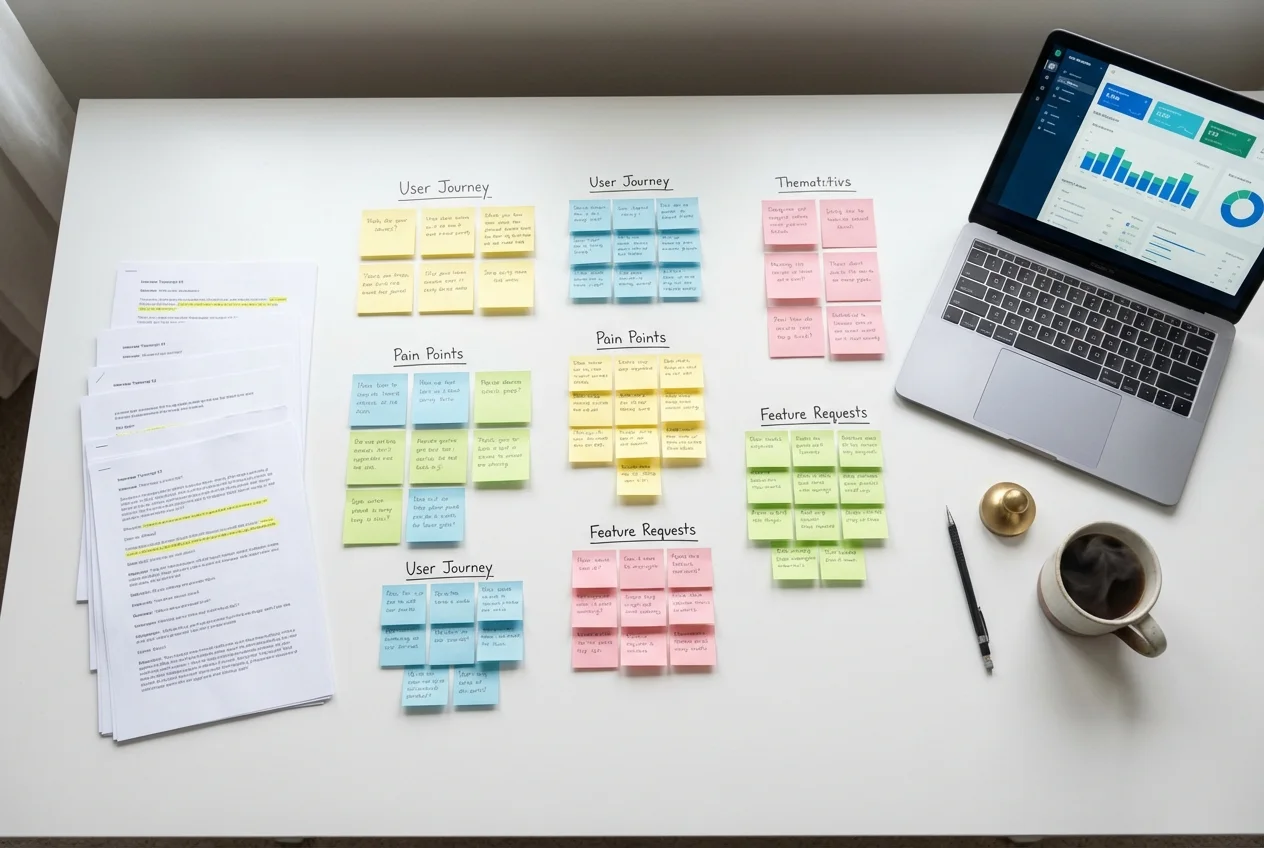
Research is where we move from assumptions to evidence. Most businesses have beliefs about their users — what they want, how they behave, what frustrates them — that turn out to be partially or substantially wrong when tested against reality. Research is the process of replacing assumptions with knowledge.
What happens
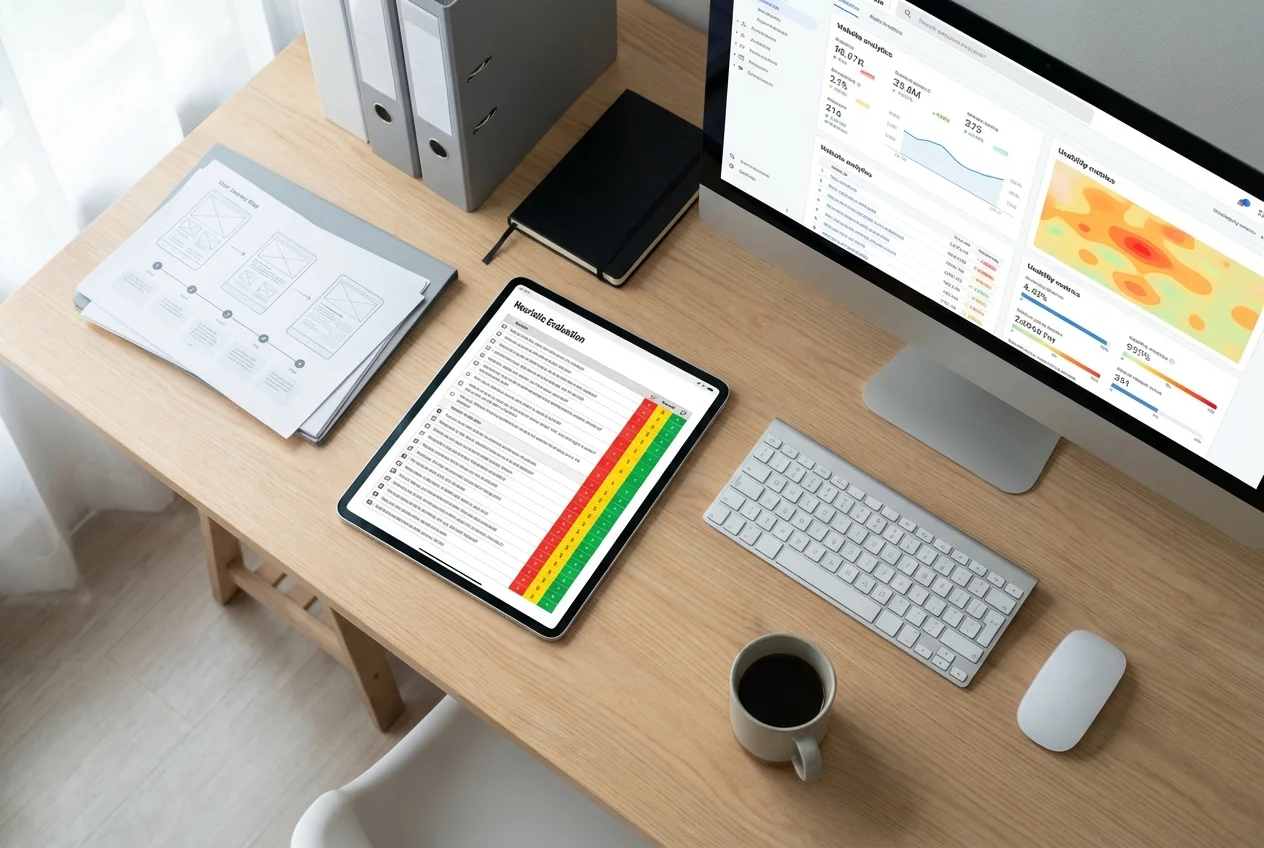
The research phase typically involves a combination of qualitative and quantitative methods, depending on what questions we need to answer. User interviews — conversations with five to twelve people who match your target user profile — give us rich, nuanced insight into motivations, mental models, and pain points. Usability testing (if you have an existing product) shows us where people actually struggle. Analytics and heatmap review show us patterns in real user behaviour at scale.
We also conduct a competitive review during this phase — not to copy competitors, but to understand the landscape users are navigating and identify design patterns they've already learned to expect.
What you get
A research synthesis report: a structured summary of what we learned, the key insights, and the design implications of those insights. This isn't a raw data dump — it's an interpreted, actionable document that translates findings into clear direction. We typically present this in a workshop with your team so we can discuss implications and align on priorities.
What we need from you
Access to users or help recruiting them. If you have an existing product, we need an account to test. Your input on who the right users are to recruit — including any users you know are struggling or particularly engaged — is invaluable.
Phase 3: Wireframing
With discovery and research complete, we have a clear picture of the problem space. Wireframing is where we start to explore solutions — but at a structural level, before any visual design is applied. Think of wireframes as the architectural plans before the interior design.
What happens
We create low-fidelity wireframes — simplified, black-and-white layouts that define the structure of key screens and user flows. The focus at this stage is on information architecture (what content appears where), navigation structure (how users move through the product), and interaction patterns (what happens when a user clicks or scrolls or submits). We're not thinking about colour, typography, or visual details yet — those come later.
Wireframes go through multiple iterations. First drafts get reviewed internally, then presented to you for feedback, then revised. We might create several wireframe approaches for the same problem to explore different design directions before committing to one.
What you get
A set of annotated wireframes in Figma covering all key screens and user flows. Annotations explain the reasoning behind structural choices and flag any design decisions that need your input. For complex projects, we also create a clickable wireframe prototype that allows you to experience the flow interactively before it gets visual treatment.
What we need from you
Timely, specific feedback. "I don't like it" isn't actionable. "The navigation structure puts pricing too deep — our sales team tells us it's the first thing prospects ask about" is. We'll ask structured questions to guide your feedback, but the faster and more specific your responses, the faster this phase moves.
Phase 4: UI Design
With the structure agreed, we add the visual layer. UI design is where your brand, personality, and aesthetic identity come to life in the interface. It's also where the detailed experience design happens — micro-interactions, animation, state variations, accessibility considerations.
What happens
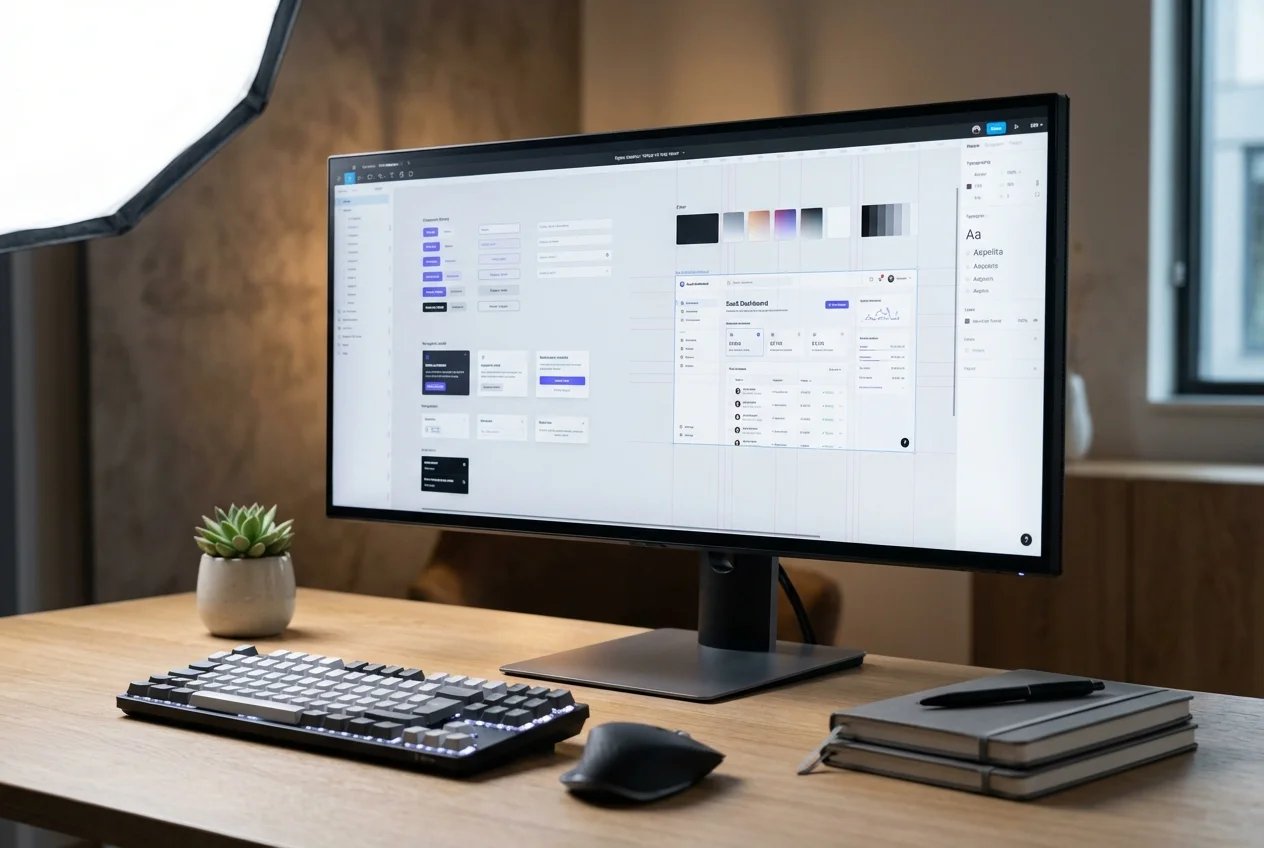
Working from approved wireframes and your brand guidelines (or developing a visual direction if you don't have established guidelines), we create high-fidelity UI designs in Figma. This means full colour, typography, imagery, icons, and interaction design. We design all key screens and their variants — empty states, error states, loading states, responsive breakpoints.
We also create or extend your design system during this phase: a library of reusable components (buttons, forms, cards, navigation patterns) that ensures consistency across the product and makes future development significantly faster.
What you get
High-fidelity Figma files covering every screen and state, organised for developer handoff. An interactive prototype demonstrating key user flows. A design system component library. For complex products, we provide design tokens — variables for colour, spacing, and typography — that map directly to your codebase.
What we need from you
Your brand guidelines, existing asset library, and any feedback on the visual direction before we go deep into detailed design. Brand-related decisions made late in the process are expensive, so early alignment on visual direction saves everyone time.
Phase 5: Testing
Before anything goes live, we test the designs with real users. Usability testing at this stage catches problems that weren't obvious from inside the design process — because designers and product owners are too close to the work to experience it as a first-time user does.
What happens
We recruit participants who match your target user profile and run moderated usability sessions — either in-person or via video call. Participants are given realistic tasks to complete using the interactive prototype ("find the pricing information and tell me what you'd do next"). We observe, take notes, and probe with follow-up questions. Sessions are recorded for later review.
After testing, we synthesise findings and create a prioritised list of issues to address before launch. Some will be quick fixes. Others might require revisiting design decisions. Either way, we'd rather know now than after development is complete.
What you get
A usability testing report with session recordings, key findings, severity ratings for each issue, and recommended fixes. In most projects, at least one round of design iteration follows testing before we proceed to handoff.
Phase 6: Launch
The final phase is handoff and launch support. How this works depends on whether your development team is building the product or ours is.
What happens (developer handoff)
We prepare a comprehensive handoff package in Figma including specs, measurements, interaction notes, and design tokens. We hold a handoff workshop with your development team to walk through the designs, answer questions, and flag any areas that need particular care during implementation. We remain available during the build phase to answer questions and review implementation quality — this is important because designs and code can drift apart if the feedback loop between design and engineering isn't maintained.
What happens (we build it)
Our frontend team takes the Figma designs and builds the product in React/Next.js, with full attention to performance, accessibility, and responsiveness. We conduct internal QA before handoff, including cross-browser testing and WCAG accessibility review.
After launch
The best UX processes don't stop at launch. We recommend building analytics and feedback mechanisms into the product from the start so you can track whether the new design is achieving its goals — and iterate if it isn't. Many clients continue with us after launch on a retainer basis for ongoing design support, feature design work, and periodic research.
How Long Does the Full Process Take?
A typical end-to-end project covering all six phases takes 10–16 weeks. The breakdown is roughly:
- Discovery: 1–2 weeks
- Research: 2–3 weeks
- Wireframing: 2–3 weeks
- UI design: 3–4 weeks
- Testing and iteration: 1–2 weeks
- Handoff and launch support: 1–2 weeks
Timelines compress or expand based on the complexity of the product, the speed of client feedback, and the number of research rounds included. We'll give you a realistic estimate at the outset and flag anything that might affect it.
If you have questions about the process or want to understand how it might apply to your specific project, book a free consultation and we'll walk you through it in the context of what you're building.
 UX Research
 UX Audit
 UI Design