UI vs UX Design: The Difference That Actually Matters for Your Business
Why the UI vs UX Distinction Gets Muddled
The line between UI and UX design is one of the most commonly confused topics in digital product development. Part of the problem is that the labels are often applied inconsistently — job titles that say "UX Designer" sometimes mean someone who does wireframes and user research, and sometimes mean someone who makes pretty Figma screens. "UI/UX Designer" is a common job title that papers over the distinction rather than clarifying it.
The other part of the problem is that in practice, good design requires elements of both — they're deeply interconnected. But understanding the distinction matters for practical reasons: it affects what you prioritise, who you hire, and what the scope of a design brief should cover.
UX Design: The Experience of Using Something
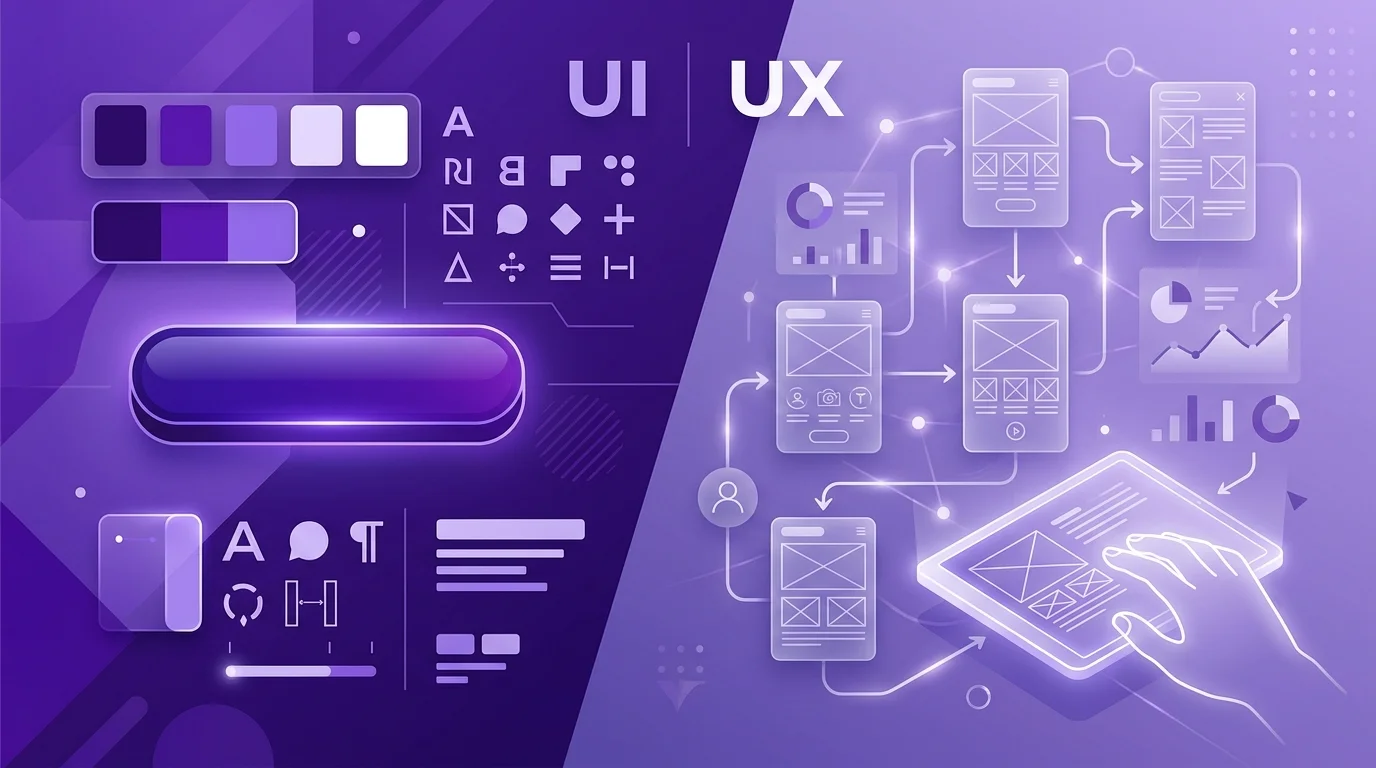
User Experience design is concerned with the overall experience of using a product — the journey a user takes, how it feels to navigate, whether it's clear and intuitive, whether it achieves the user's goals with minimum friction. UX is fundamentally about people and their relationship with a product.
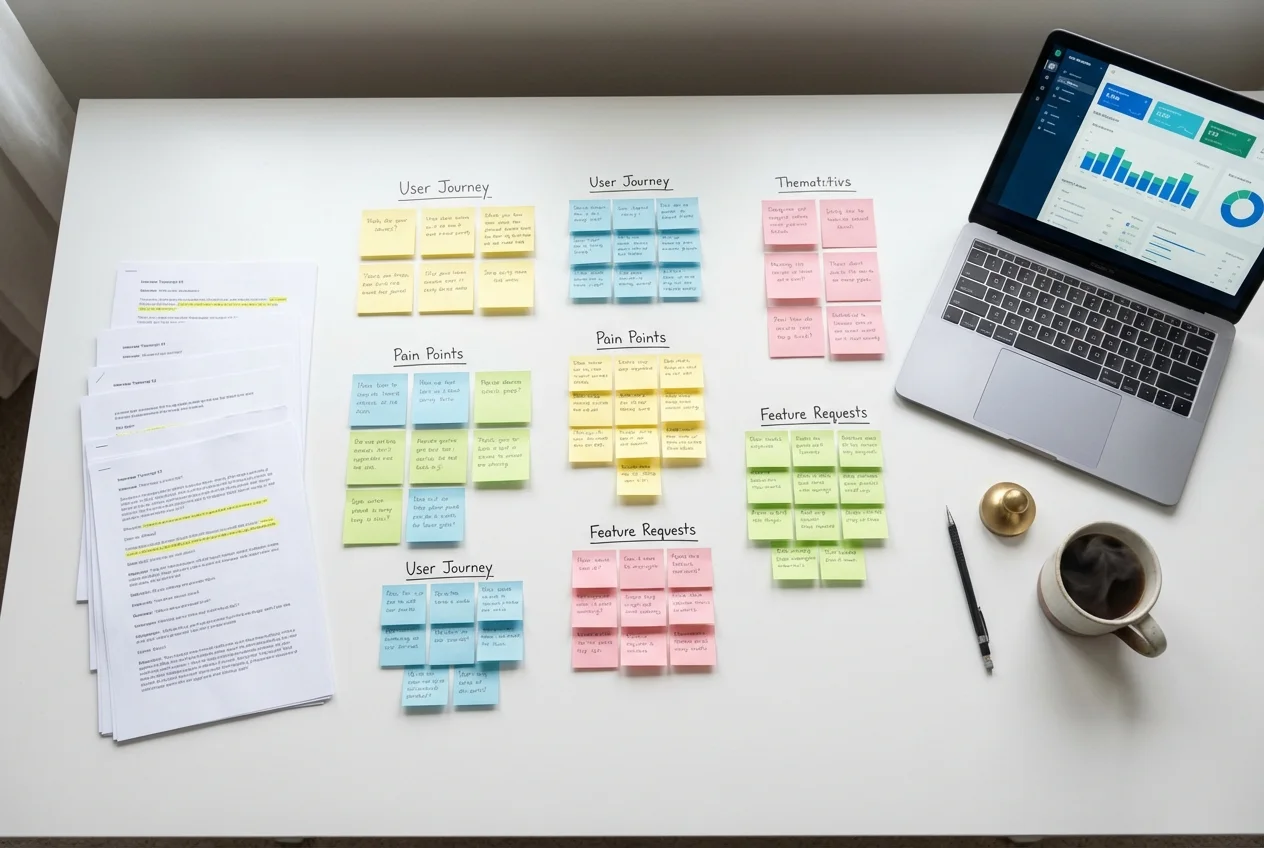
UX design involves understanding users (through research, interviews, usability testing), defining the structure of a product (information architecture, user flows, navigation), and designing the interaction patterns that shape how users move through it. A UX designer thinks about: Where do users come from? What are they trying to achieve? Where do they get confused? What happens when something goes wrong?
Good UX is often invisible. When a product is well-designed from a UX perspective, using it feels natural and effortless — you don't think about the design, you just do the thing you came to do. Bad UX, by contrast, is very visible: it's the form that won't let you proceed until you've filled in a field that doesn't apply to you, the navigation that puts the thing you need three levels deep, the error message that tells you something went wrong without telling you what or how to fix it.
UI Design: The Visual and Interactive Layer
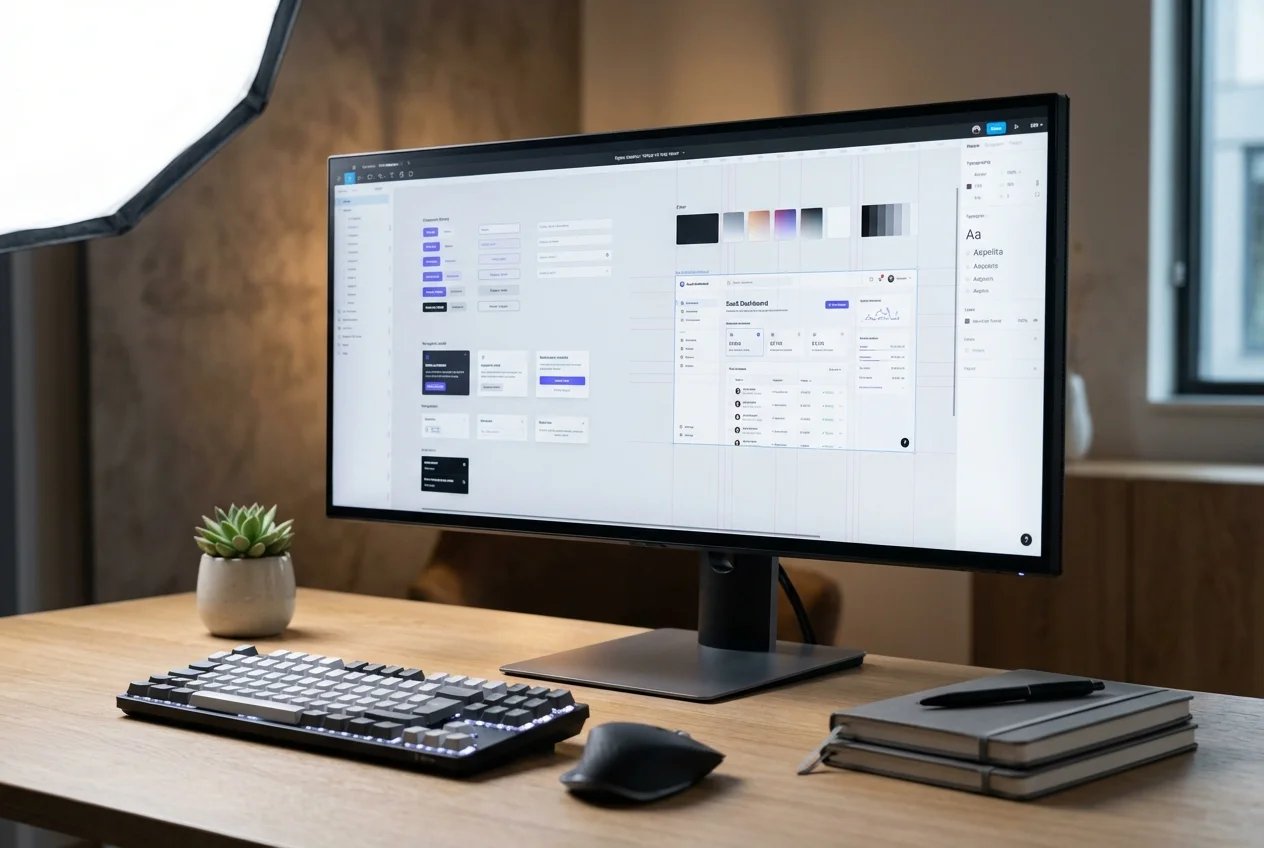
User Interface design is concerned with the visual presentation of a product — the colours, typography, icons, spacing, imagery, and interaction details that make up the surface layer. UI design is where brand identity lives in the product, where aesthetic quality is determined, and where the micro-level interactive details (hover states, transitions, loading animations) are designed.
A UI designer thinks about: Does this button look clickable? Is the contrast ratio sufficient for readability? Does the visual hierarchy guide the user's eye to the most important element? Does the colour palette reinforce the brand's personality? Are the interaction animations smooth and purposeful?
Good UI design is often noticed — usually in a positive way. A beautifully designed interface creates immediate positive impression, builds trust, and makes using the product an experience that feels good rather than merely functional. Bad UI design is also noticed: it looks dated, feels inconsistent, or uses colours and typography that make reading or navigation harder than it should be.
A Practical Illustration
Imagine a restaurant booking app. Here's how UX and UI manifest differently:
UX problems: The search requires you to enter a specific date before you can see any restaurant options (frustrating if you just want to browse). After selecting a restaurant, the app asks you to create an account before confirming your reservation (creating friction at the point of conversion). If your booking fails, the error message says "Reservation could not be completed" without explaining why (leaving you stuck).
UI problems: The "Search" button is styled the same way as the "Cancel" button, making it easy to accidentally hit the wrong one. The availability calendar uses similar shades of grey for "available" and "unavailable" dates, making them hard to distinguish. The restaurant listing cards show the photo at such low resolution that it looks blurry on a retina screen.
Both sets of problems affect the experience — but they have different root causes and different solutions. Fixing the UX problems requires rethinking the flow and information architecture. Fixing the UI problems requires redesigning specific visual elements. You can have good UX and bad UI (functional and intuitive but ugly), or good UI and bad UX (beautiful to look at but frustrating to use). The ideal, obviously, is both.
Why Both Matter for Your Business
Poor UX drives up your support costs (people call for help when they can't figure things out), reduces conversion rates (people leave before completing the action you want them to take), and increases churn (people stop using a product that frustrates them).
Poor UI creates a trust deficit (products that look amateurish are harder to trust with personal data or payment), reduces perceived value (people are willing to pay more for products that look premium), and can directly create usability problems through poor visual hierarchy and insufficient contrast.
The ROI argument for UX investment is well established: McKinsey research found that companies in the top quartile of design performance outperformed industry benchmarks by two to one. Forrester found that improving UX can increase conversion rates by up to 400%. These numbers don't separate UX from UI — because in practice, sustainable improvement requires both.
What This Means for Hiring
When you're hiring for design, the UX/UI distinction should shape your requirements. If your biggest problem is that users don't understand the product or get lost in the flow, you need UX expertise (research, information architecture, user testing). If your biggest problem is that the product looks dated or lacks visual polish, you need UI expertise (visual design, brand application, interaction detail). Most good designers have both skills to some degree, but few are equally excellent at both.
Senior designers who genuinely excel at the full stack — rigorous UX research and analysis plus high-quality visual UI design — are rare and command premium rates. More commonly, teams benefit from having a dedicated UX researcher/strategist and a dedicated UI designer, with regular collaboration between them.
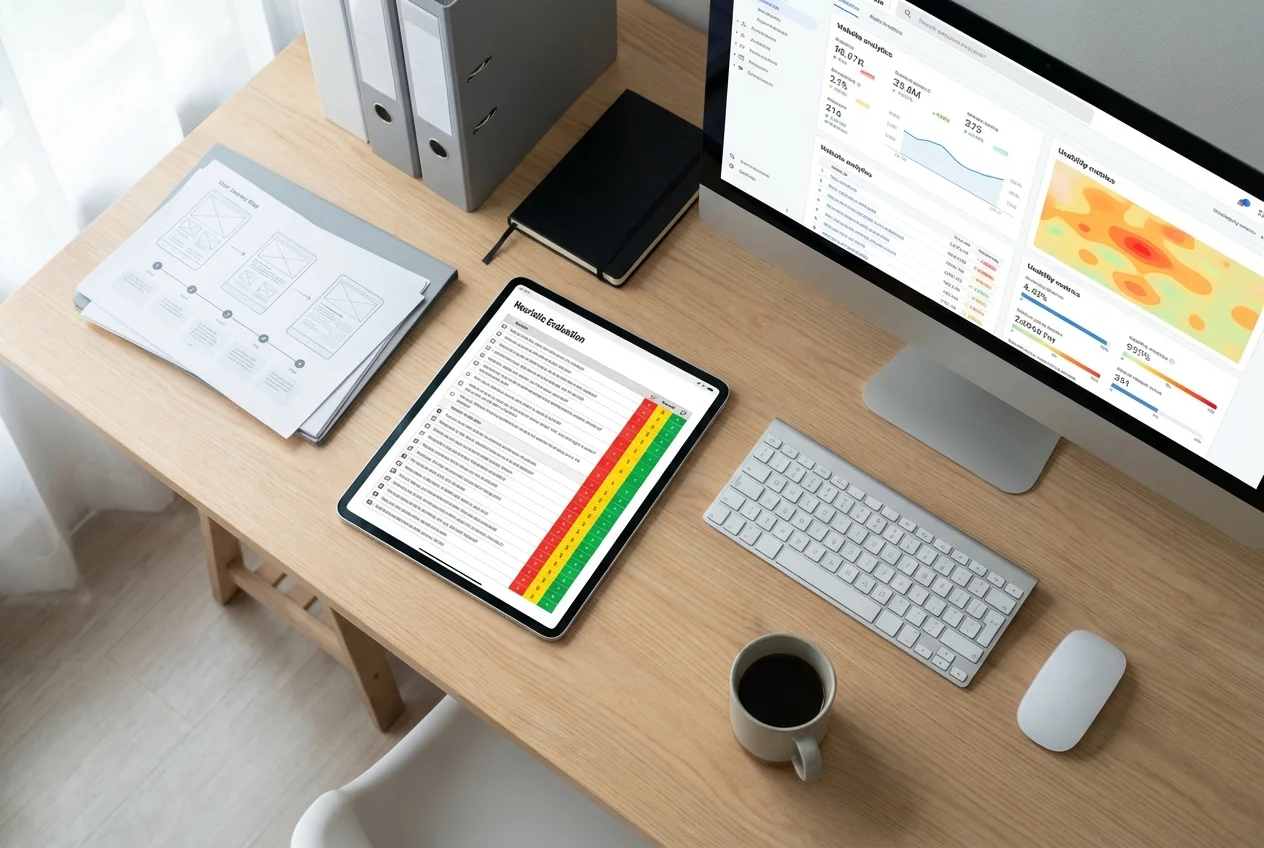
When we scope a project at UX Agency London, we're always explicit about which services are included. A UX audit is primarily a UX activity. A visual brand refresh for a digital product is primarily UI. Full end-to-end design projects include both — and that's typically where the strongest results come from.
The Short Version
- UX design = how the product works, how users navigate it, whether it achieves their goals with minimum friction
- UI design = how the product looks, the visual layer, the brand expression in the interface
- Both matter — but they have different problems to solve, different skill sets, and different metrics
- For your business: if users can't figure out how to use it, prioritise UX; if users can use it but don't trust or enjoy it, prioritise UI; if both are problems, tackle both
If you're not sure which problem you have, a UX audit is a good starting point — it surfaces both UX and UI issues in the context of real user behaviour, and gives you a prioritised view of what to tackle first.
 UX Research
 UX Audit
 UI Design